
Who can add custom apps in Gemini
Google lists these requirements as of 15 November 2026. Its help page names no paid plan.
You are 18 or over and in the US.
You use a personal Google account. Work and school accounts are not supported.
Gemini is set to English, and Keep Activity is on.
You add the app in Gemini on the web. Once connected, it also shows up in the Gemini mobile app.
How to connect PandaChef to Gemini
Open gemini.google.com, click Settings at the bottom, then Connected Apps.
Under Custom apps, click Add a custom app.
Enter https://www.99pandas.de/mcp as the MCP server URL, exactly like that, including the www.
Click Next. PandaChef supports dynamic client registration, so the advanced credential fields should not be needed.
Sign in to PandaChef in the window that opens and approve the access. The consent page shows the address the access goes to, which should belong to Google.
Gemini asks you to confirm before a custom app writes anything, such as a new recipe or a shopping list item. Google notes that it can still make mistakes.
Without a connection: copy the recipe in
Outside the US, or with a work account, a recipe from Gemini stays in the conversation. To plan with it and shop for it, ask Gemini for a recipe with an ingredient list, amounts and numbered steps, and copy the answer.
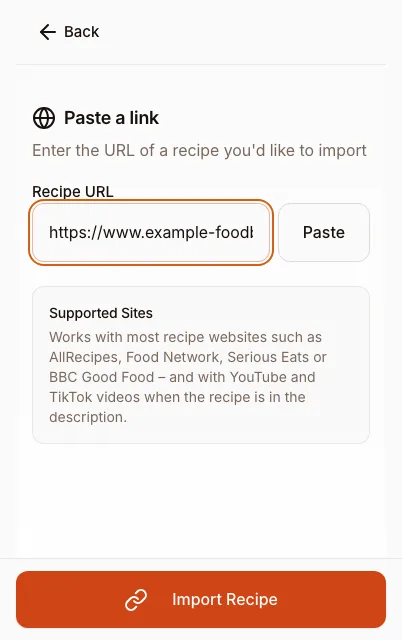
In PandaChef, choose Add recipe and then Paste text. The AI picks out the title, ingredients and steps, and you check the result before saving. That uses one AI request. If Gemini names a recipe page as its source, paste that link instead: the import then reads the page itself.
What PandaChef does not do here
We have not tested the Gemini connection ourselves. If sign-in fails, the browser and the iPhone and Android apps work without it.
Custom apps in Gemini are limited to adults in the US with a personal account and Gemini in English. Everyone else copies recipes in as text, which uses one AI request each.
Frequently asked questions
Is PandaChef listed in Gemini's apps?
Not as of 15 November 2026. You add it as a custom app with the address https://www.99pandas.de/mcp, which needs an eligible account.
Does the connection cost extra?
Not on our side. It is part of the free plan, with up to 9 recipes, the full meal plan and the shopping list. Premium lifts the recipe limit and is not needed for the connection.
What can I ask once it is connected?
Questions that need your own data: what you can cook from your PandaChef pantry, what is on your meal plan this week, or what is missing for a recipe. Name PandaChef in the question so Gemini uses the app rather than general knowledge.
Which assistants have you tested?
ChatGPT, through its plugin directory, and Claude, as a custom connector. Gemini, Le Chat, Perplexity and Grok offer custom MCP connections, but we have not tested PandaChef in them yet.