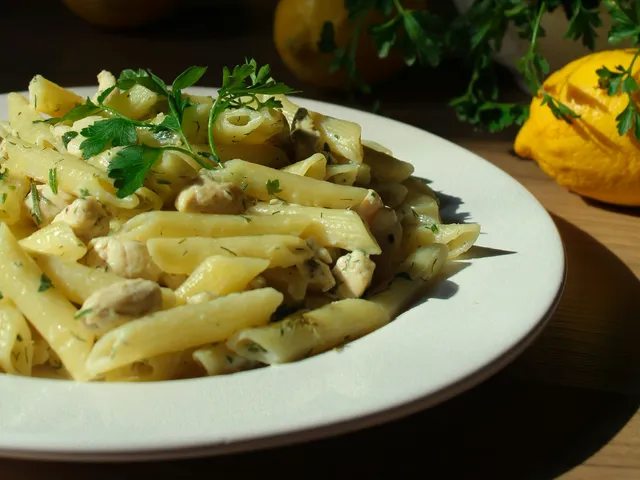
 Lemon Pasta with Basil
 PandaChef
Works inside ChatGPT and Claude
A recipe app with a meal plan and a shopping list built in.
Save recipes from any website, photo or reel, plan the week around them and send the shopping list to Bring!. Use it in the app or straight from a chat with ChatGPT or Claude.
9 recipes freeNo payment detailsPremium for €4.99/month
You: Plan dinners Monday to Friday from my recipes, fish once. And send the shopping list to Bring!.
PandaChef does this in your account
Meal plan- MonLemon pasta with basil
- TueSalmon on couscous
- WedRainbow veggie bowl
- ThuFarfalle with pesto
Your AI assistant: Done. The week is in your meal plan and the shopping list is in Bring!.
- Lemon Pasta with Basil
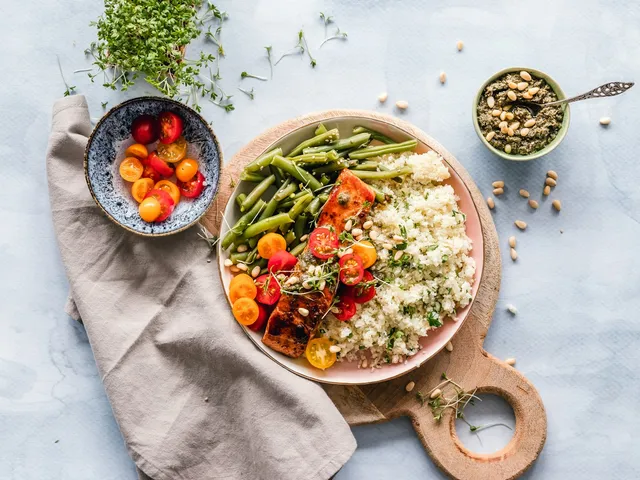 Salmon on Couscous with Green Beans
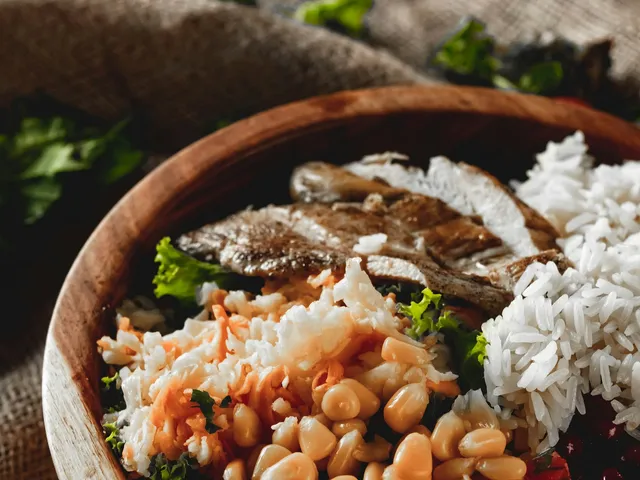 Colorful Veggie Bowl with Rice
Built by a small team in Esslingen near Stuttgart, Germany.
- Import from any recipe site, photos and PDFs
- Over 50 tools inside ChatGPT and Claude
- 9 recipes free, no time limit
- Premium for €4.99/month
- Lemon Pasta with Basil
- Salmon on Couscous with Green Beans
- Colorful Veggie Bowl with Rice
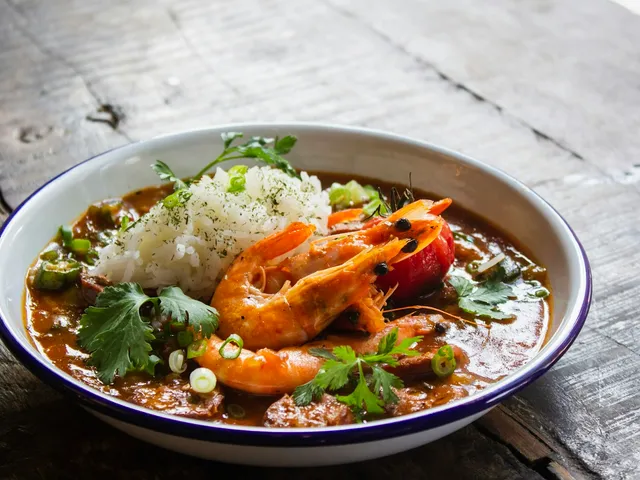 Shrimp Gumbo with Rice
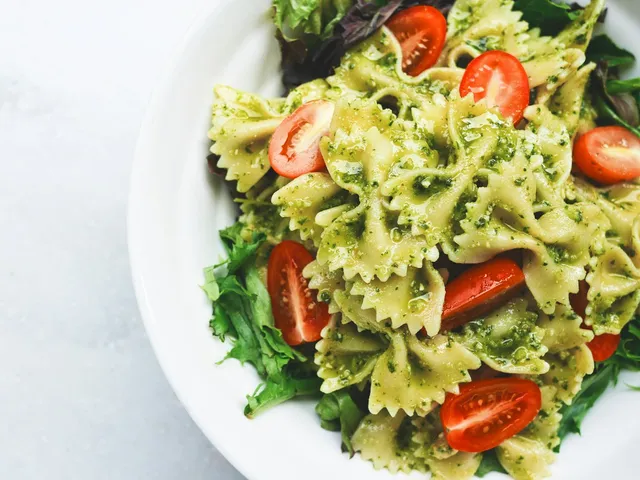 Farfalle with Pesto and Cherry Tomatoes
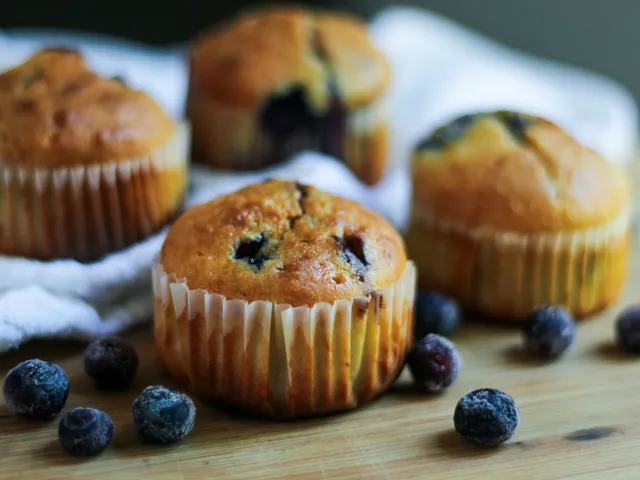 Blueberry Muffins
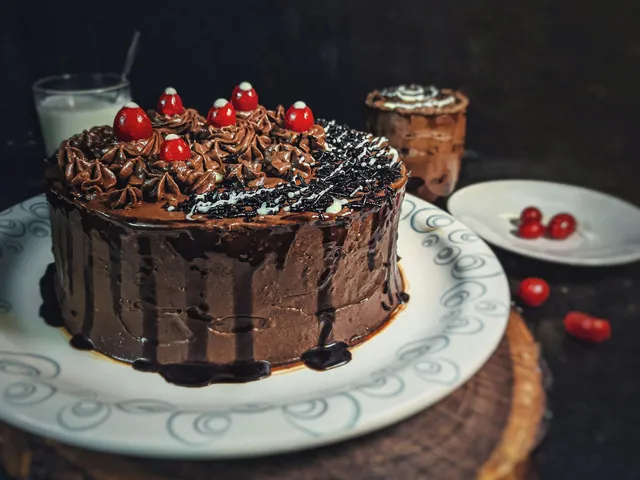 Moist Chocolate Cake
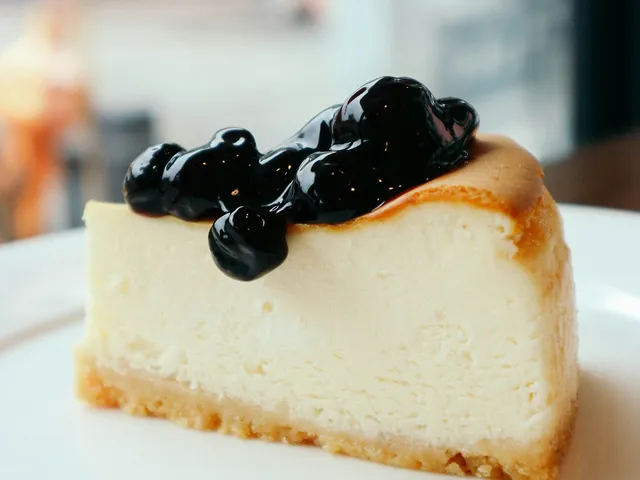 Grandma's Cheesecake
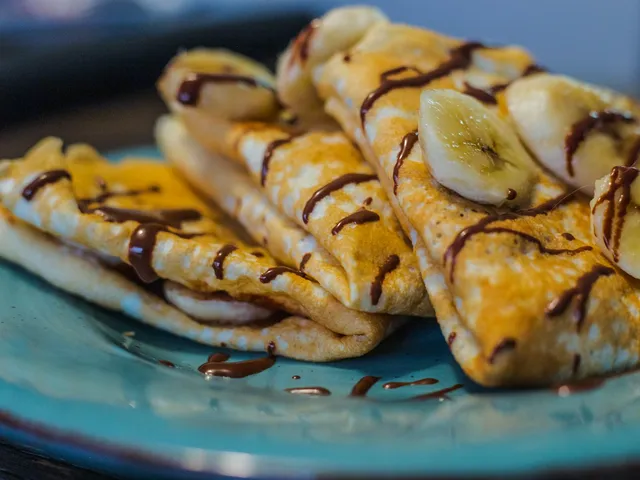 Banana Crêpes with Chocolate
Recipes in PandaChef, each with a photo, cooking time and a tag. These come from the sample collection.
Five situations from everyday cooking
Tap one. Each shows a flow from the app.
Save recipes from blogs, reels and cookbooks
The salmon from a food blog, a pasta reel, grandma's index card and a page from a cookbook all end up in the same collection.
You paste the link or upload a photo. PandaChef picks out ingredients, amounts and steps and turns them into a recipe you can cook right away.
Try it free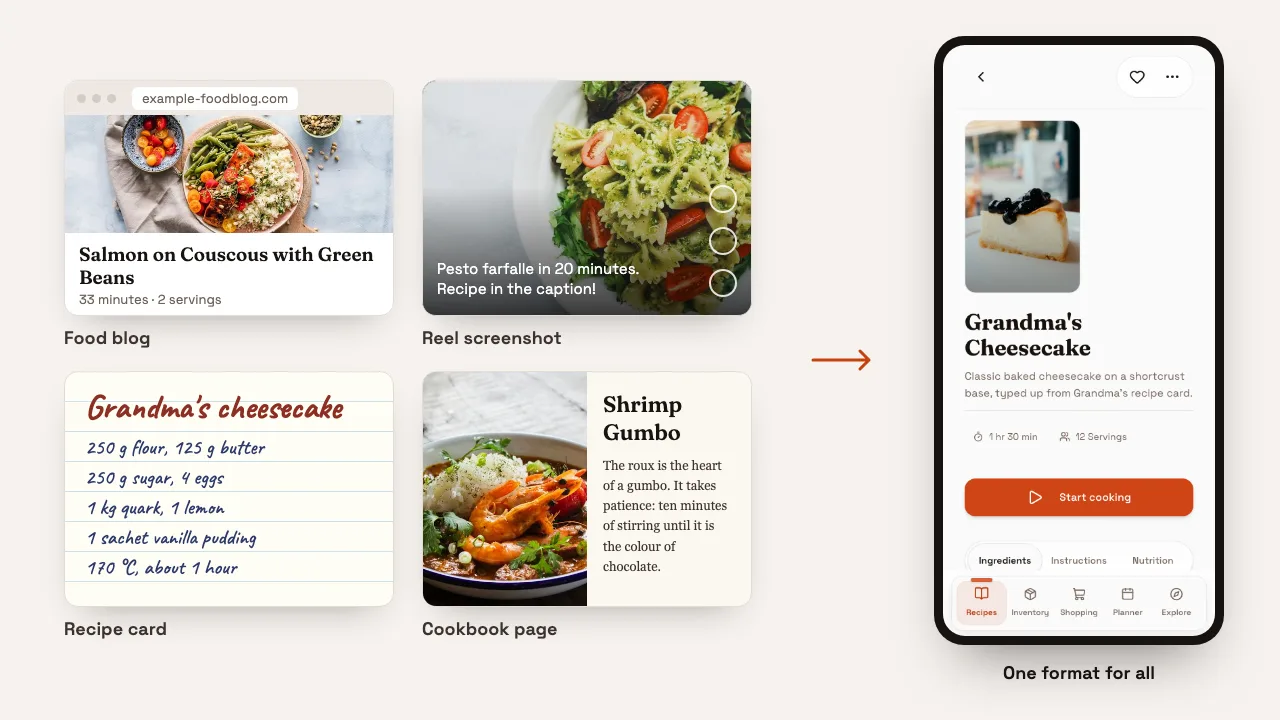
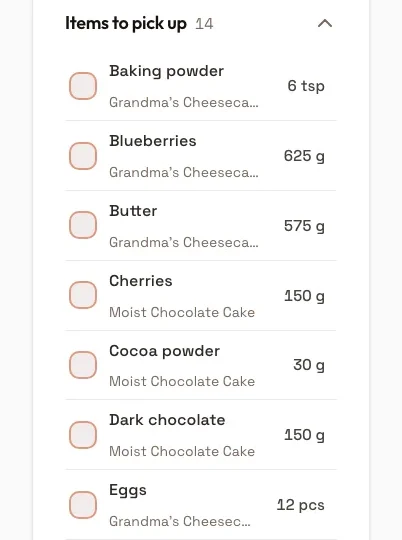
One shopping list for three recipes
Saturday is a kids' birthday party. You need two cakes and 24 muffins, but the muffin recipe makes 12.
Set the servings to 24 and put all three recipes on the list. Matching ingredients appear only once, added up. One tap sends the list to Bring!.
Try it free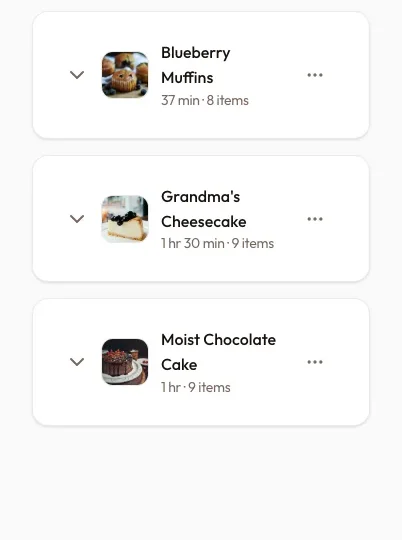
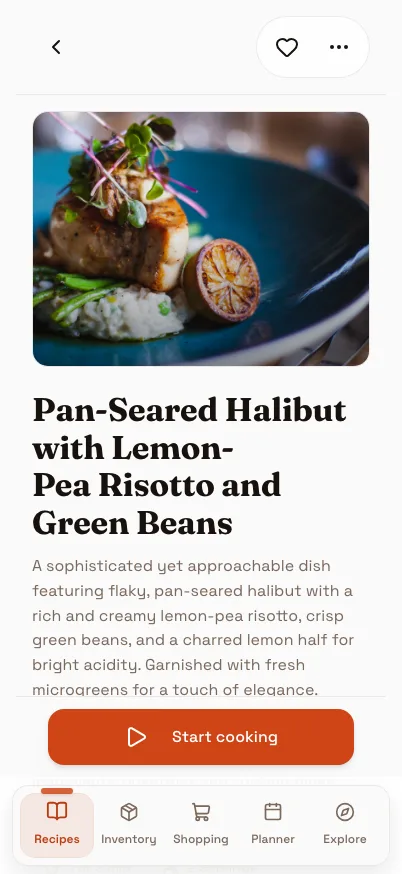
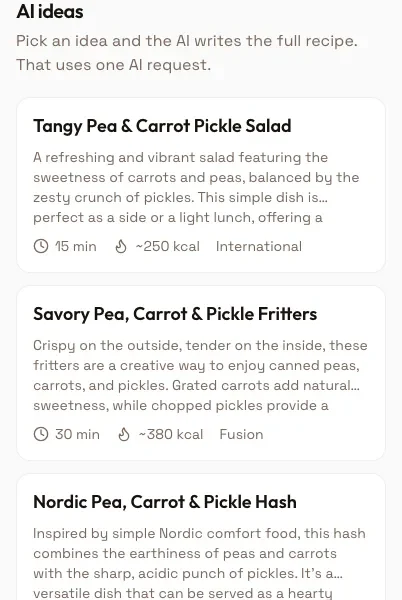
Cook a dish from a photo
You have no recipe, just a photo of the plate from your holiday.
PandaChef recognizes the dish and writes a recipe with ingredients, amounts and steps. The amounts are estimates and are marked as such, which is enough to start cooking from.
Try it free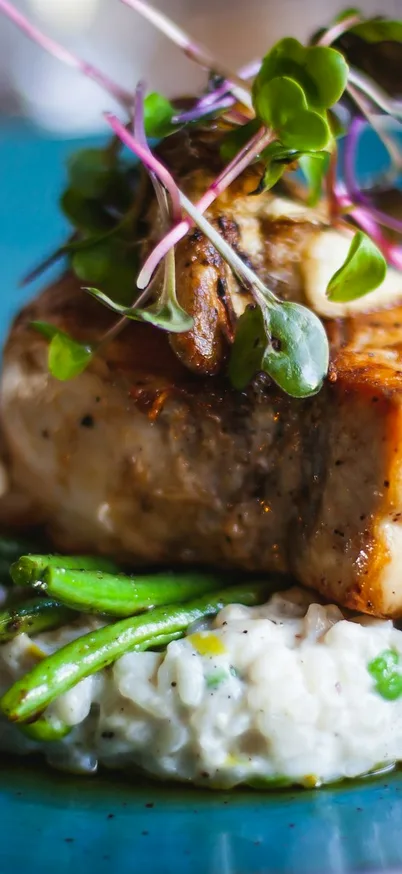
Cook with what's in the fridge
Wednesday evening, the fridge is half empty and you don't feel like shopping.
Take a photo of the fridge. PandaChef records what you have and suggests three recipes that work with exactly those ingredients.
Try it free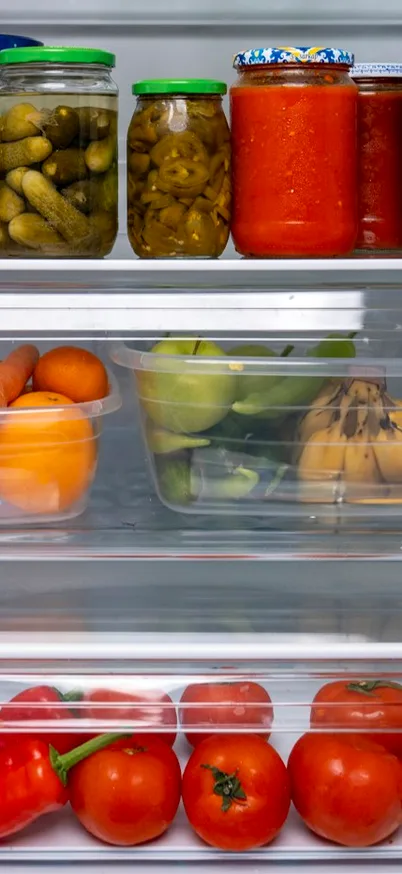
Plan the week for the whole family
Everyone in the household sees the same recipes, the same plan and the same shopping list.
Jonas cooks on Tuesday, Lena on Thursday. Whoever is at the supermarket ticks things off for everyone. One Premium account covers the whole household.
See Premium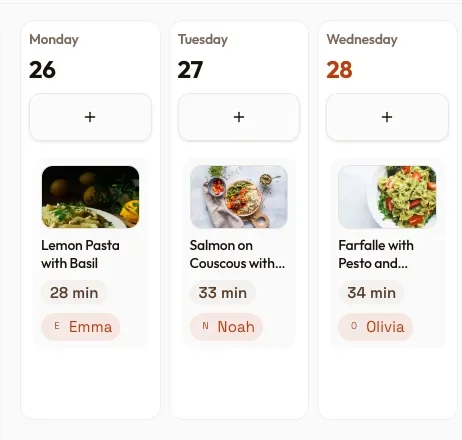
PandaChef in ChatGPT and Claude
Ask for what you need in the chat. ChatGPT or Claude works with your recipes, and the recipes, meal plan and shopping list appear as cards in the conversation. Changes made there show up in the app immediately.
Use up leftovers
You: I still have pasta, lemons, pecorino and cherry tomatoes. What can I cook tonight?
Matches your pantry- Lemon pasta with basilAll there
- Farfalle with pestoMissing: pesto
- Rainbow veggie bowlMissing: 3
You have everything for the lemon pasta. The farfalle only lack pesto, which is on your shopping list now.
Shopping
You: What do I still need to buy for the weekend? I just picked up shrimp.
Shopping list- Shrimp
- Okra
- Bell pepper
- Bananas
Shrimp ticked off. Three things left. You still have flour, eggs and milk according to your pantry.
Find a recipe
You: Where is the gumbo recipe from last month? And what can I use instead of okra?
Found in your collection- Shrimp gumbo with rice
Here it is. Green beans or courgette work instead of okra. Since okra thickens the sauce, cook the roux a shade darker.
How to connect PandaChef
- Add PandaChef in ChatGPT or Claude.
- Sign in with your PandaChef account and confirm access.
- Ask for what you need in the chat.
Guide for ChatGPT and Claude
This works on the free plan too. PandaChef uses the open MCP protocol, so it also works with Claude Code, Cursor and other clients.
Five steps from recipe to shopping list
Import recipes
Paste a link or upload a photo, a screenshot or some text. PandaChef picks out ingredients, amounts and steps and creates the recipe.
Organize your collection
Sort recipes into cookbooks, add tags and search by ingredient, cooking time or cuisine.
Plan the week
Put recipes on weekdays and set the servings.
Share the cooking
Everyone in the household gets their cooking days. All of you see the same plan.
Shop
The plan turns into one shopping list for all recipes. Matching ingredients are added up, and one tap sends the list to Bring!.

Your collection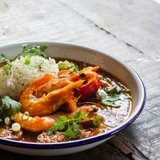 Shrimp Gumbo with RiceRecipe from the sample collection
One collection for everything you cook
Recipes from blogs, reels and cookbooks live in the same collection, each with ingredients, steps and a picture. Last month's gumbo is one search away, in the app or in the chat.
Shrimp Gumbo with RiceRecipe from the sample collectionThe tenth recipe
From the tenth recipe on, you need Premium.
Your 9 recipes stay, and the meal plan and shopping list keep working. Premium costs €4.99/month and runs month to month.
Free up to 9 recipes, Premium from the tenth
The free plan does not expire and needs no payment details. Premium adds unlimited recipes and shared planning for your household.
Free
For your first recipes€0/month
Up to 9 recipes, the meal plan and the shopping list.
- Up to 9 recipes
- AI import from links, photos and text
- Meal plan and shopping list with Bring! export
- PandaChef in ChatGPT and Claude
No payment details needed.
PandaChef Premium
For households and large collections€4.99/month
Unlimited recipes, shared planning in the household and an AI allowance that renews every day.
- Everything in the free plan
- Unlimited recipes
- A shared household; members need no subscription of their own
- 50 AI requests a day instead of a one-time 10
- AI images for recipes without a photo
- Priority support
Price includes VAT. Create an account first, then pay. Cancel at the end of any month.
| Free and Premium compared | Free | PandaChef Premium |
|---|---|---|
| Recipes | 9 | Unlimited |
| Meal plan and shopping list | ✓ | ✓ |
| Export to Bring! | ✓ | ✓ |
| In ChatGPT and Claude | ✓ | ✓ |
| AI requests (import, suggestions, photos) | 10, once | 50 per day |
| Assign cooking days in the household | – | ✓ |
| Shared household | – | Members need no subscription |
| AI recipe images | – | 15 per day |
| Support | Priority |
Frequently asked questions
What to know before you start.
Yes, and it stays free. The free plan holds up to 9 recipes, the full meal plan and shopping list, and the connection to ChatGPT and Claude, with no time limit. To try the AI features you also get 10 AI requests, for example for importing from a photo or reading a photo of your fridge. Premium removes the recipe limit, adds the household and gives you 50 AI requests and 15 AI recipe images a day.
In ChatGPT, add PandaChef under Settings → Apps; in Claude under Settings → Connectors. The address is https://www.99pandas.de/mcp in both cases. Then sign in with your PandaChef account and confirm access. From then on, ask for what you need in the chat: plan the week, use up leftovers, find a recipe. Claude Code and other local clients connect with an access token from the PandaChef settings.
You get cards instead of long text answers: a recipe card with ingredients and steps, recipe lists, suggestions that show what you already have in stock, a shopping list you can tick off, and the meal plan. Changes you make in the chat show up in the app immediately, and vice versa.
From any recipe site by link, and from YouTube and TikTok when the recipe is in the video description or, on YouTube, linked from it. PandaChef reads text only, never the video. Photos, screenshots, PDFs, text files and pasted text work too. The Android app reads Instagram links when the recipe is in the caption; in the browser, share the post with its caption, take a screenshot or copy the recipe text. Facebook and X links are not supported.
Yes. Every recipe you put on the list goes into the same shopping list. Matching ingredients are added up, even across units like 500 g and 0.5 kg. From the meal plan you create the list for the whole week in one step, and one tap sends it to Bring!. Staples like flour, sugar or salt are hidden at first; you can show them in the settings.
Yes. Take a photo of the finished dish, for example at a restaurant. PandaChef recognizes it in the picture and writes a complete recipe with ingredients and steps. Amounts are estimated and marked as estimates. If you know the name of the dish, add it and the result gets more accurate.
Create a household and invite the others by email or invitation link. From then on you share the recipe collection, meal plan and shopping list and can assign cooking days to individual people. Only the person who creates the household needs Premium; the members do not.
At the tenth recipe PandaChef asks once whether you want to switch to Premium. Your 9 recipes stay, and the meal plan, shopping list and the connection to ChatGPT and Claude keep working. Premium removes the limit and runs month to month.
The free plan is the trial, and it does not expire: 9 recipes, the meal plan, the shopping list and the connection to ChatGPT and Claude, with no payment details. You need Premium only when your collection outgrows 9 recipes or your household wants to plan with you.
Every recipe stays saved and readable, including the ones beyond the ninth. You can add new recipes again once you are back under 9 or subscribe again. A shared household is paused until one of its members has Premium again. You can delete your account in Settings at any time, which removes all of your data.
Yes. On Android, the app is on Google Play. On any phone, PandaChef also runs in the browser and can be installed on the home screen like an app. The iOS app is in the works.
Try PandaChef with your own recipes.
Create an account, import your first recipes and let PandaChef write your next shopping list. In the app or in the chat.
Start freeFree for up to 9 recipes, with no time limit.